Key Takeaways
- The traditional direct mail vendor stack, list broker, copywriter, designer, print shop, mailing house, can add CA$1,500 to CA$5,000 in overhead to a modest 500-piece campaign before postage.
- Direct mail automation collapses all five vendor functions into a single self-serve workflow: enter your business name, website, and target area; the platform builds the audience, generates print-ready designs, and handles printing, postage, and delivery.
- You retain control over three critical decisions: your offer, your audience definition, and final approval before anything goes to print.
- All-in pricing runs CA$3.31 per piece at quantity one down to CA$1.53 per piece at 5,000+, with printing and postage included; a free Starter plan with 1,000 build credits requires no card.
- ANA 2023 benchmarks show direct mail achieving a 5.3% average response rate to house lists and 2.9% to prospect lists, performance that automation makes accessible without the six-week vendor coordination overhead.
- A done-for-you path exists for high-volume, complex segmentation, or brand-sensitive campaigns where additional oversight adds value.
Running a direct mail campaign used to mean assembling a small army of vendors. Today, direct mail automation collapses that entire stack into a workflow one person can complete in an afternoon. No print shop, no list broker, no copywriter, no mailing house required.
This guide walks through the traditional vendor stack and what it cost, how automation replaces each piece, the exact steps of a self-serve campaign, what you still control, and when a done-for-you path makes more sense.
What the Traditional Vendor Stack Actually Cost You
The traditional direct mail workflow involves five distinct vendors, each adding time and money before a single piece reaches a mailbox. Understanding that stack is the first step to seeing what automation actually eliminates.
The five-vendor model:
| Vendor | What they did | Typical cost range | Typical lead time |
|---|---|---|---|
| List broker | Sourced and cleaned your mailing list | CA$200 to CA$800+ | 3 to 7 days |
| Copywriter | Wrote headline, body, CTA | CA$300 to CA$1,500 | 5 to 10 days |
| Graphic designer | Built print-ready artwork | CA$400 to CA$2,000 | 5 to 14 days |
| Print shop | Printed the run | CA$0.30 to CA$0.80/piece plus setup | 5 to 10 days |
| Mailing house | Sorted, metered, and posted | CA$0.15 to CA$0.30/piece plus handling | 2 to 5 days |
Add those ranges together and a modest 500-piece campaign could run CA$1,500 to CA$5,000 before postage, take four to six weeks end-to-end, and require you to coordinate five separate vendors who had never worked together before.
For a neighbourhood restaurant, a local gym, or a trades business, that overhead made direct mail feel like a tactic reserved for bigger budgets. The economics discouraged testing, iteration, and the kind of consistent presence that actually builds response.
That is what automation changes.
How Direct Mail Automation Collapses the Stack
Direct mail automation replaces every vendor function with a single integrated workflow, so a campaign that once required weeks of coordination can go from brief to in-the-mail in a single session.
Platforms built specifically for small-business direct mail now handle audience building, creative generation, print production, and postal delivery inside one interface. You provide the business context; the platform provides everything else.
The performance case is real. According to ANA 2023 data, direct mail to house lists achieves a 5.3% average response rate and a cost-per-acquisition of around US$19, numbers that hold even without the personalization overhead that used to require a specialist. Lob's 2024 State of Direct Mail report found that 84% of marketers rate direct mail among their highest-ROI channels, and Lob's 2025 data shows that high performers are 32% more likely to use automation to run their campaigns.
The reason automation compounds that ROI is throughput. When the setup cost drops from weeks and thousands of dollars to hours and a per-piece rate, you can run more campaigns, test more offers, and stay visible to your audience consistently, which is where direct mail's physical durability pays off. Research from USPS OIG and Temple University confirms that physical mail generates stronger recall than digital equivalents, precisely because it occupies space and time in a way a screen notification cannot.
Ready to Send Your First Campaign?
Magic Mailer uses AI to design, print, and mail professional postcards for your business in minutes, not weeks.
Try Magic Mailer FreeWant it set up in your CRM for you? book a meeting
Prefer to just describe it? build your whole campaign in one chat
Step-by-Step: Running a Self-Serve Automated Direct Mail Campaign
A self-serve automated campaign follows a linear path with a single human approval gate before anything goes to print. Here is the exact sequence.
Step 1: Enter Your Business and Target Area
You start with three inputs: your business name, your website URL, and your target area. The platform reads your website to extract your brand: colours, logo, service category, tone, so it can build creative that actually represents you rather than a generic template.
The target area can be defined as a radius around your address, a set of postal codes, or a neighbourhood boundary. At this stage you also choose your audience type: nearby businesses (a B2B drop to other business owners and operators in the area) or a household drop to residential addresses in the neighbourhood.
Step 2: The Platform Builds Your Audience
Rather than working from a purchased list you have to clean and deduplicate yourself, smart local targeting identifies the relevant addresses in your target area automatically. For a B2B campaign that might mean every business within a defined radius. For a neighbourhood drop it means residential addresses within the postal zone you selected.
This replaces the list broker entirely. You do not source, purchase, or clean a file. The audience is built from the parameters you set.
Step 3: AI Generates Your Print-Ready Designs
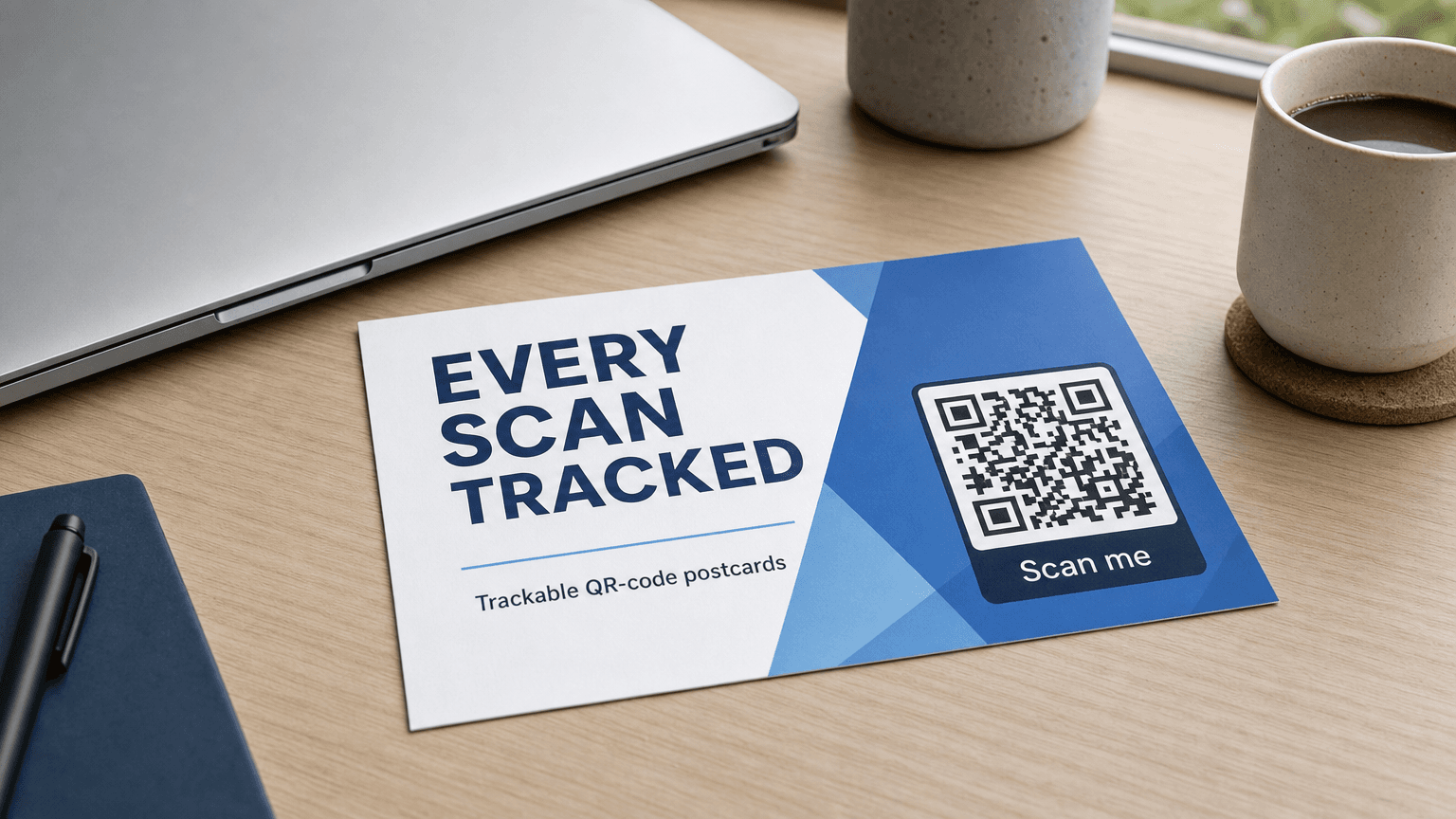
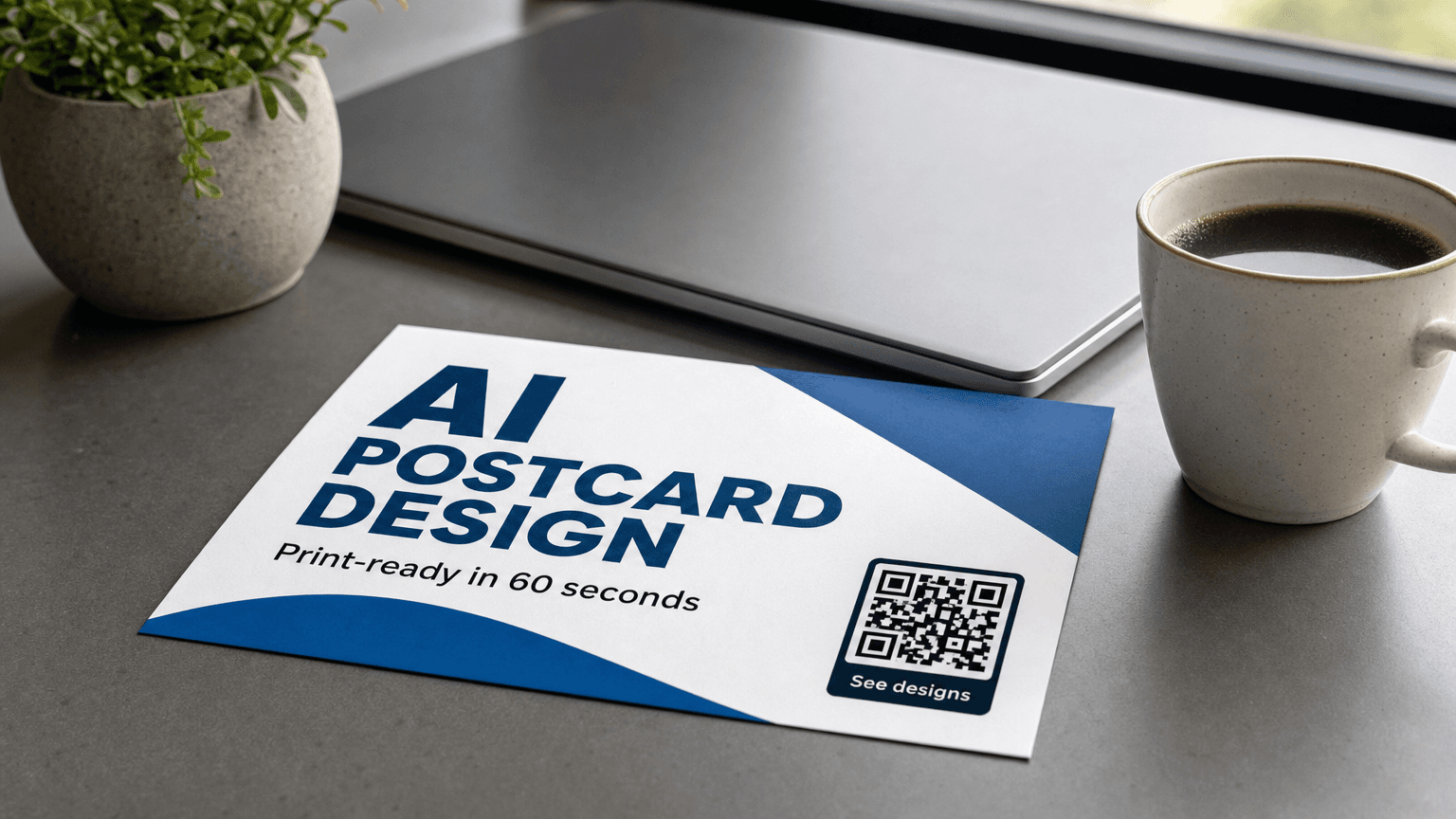
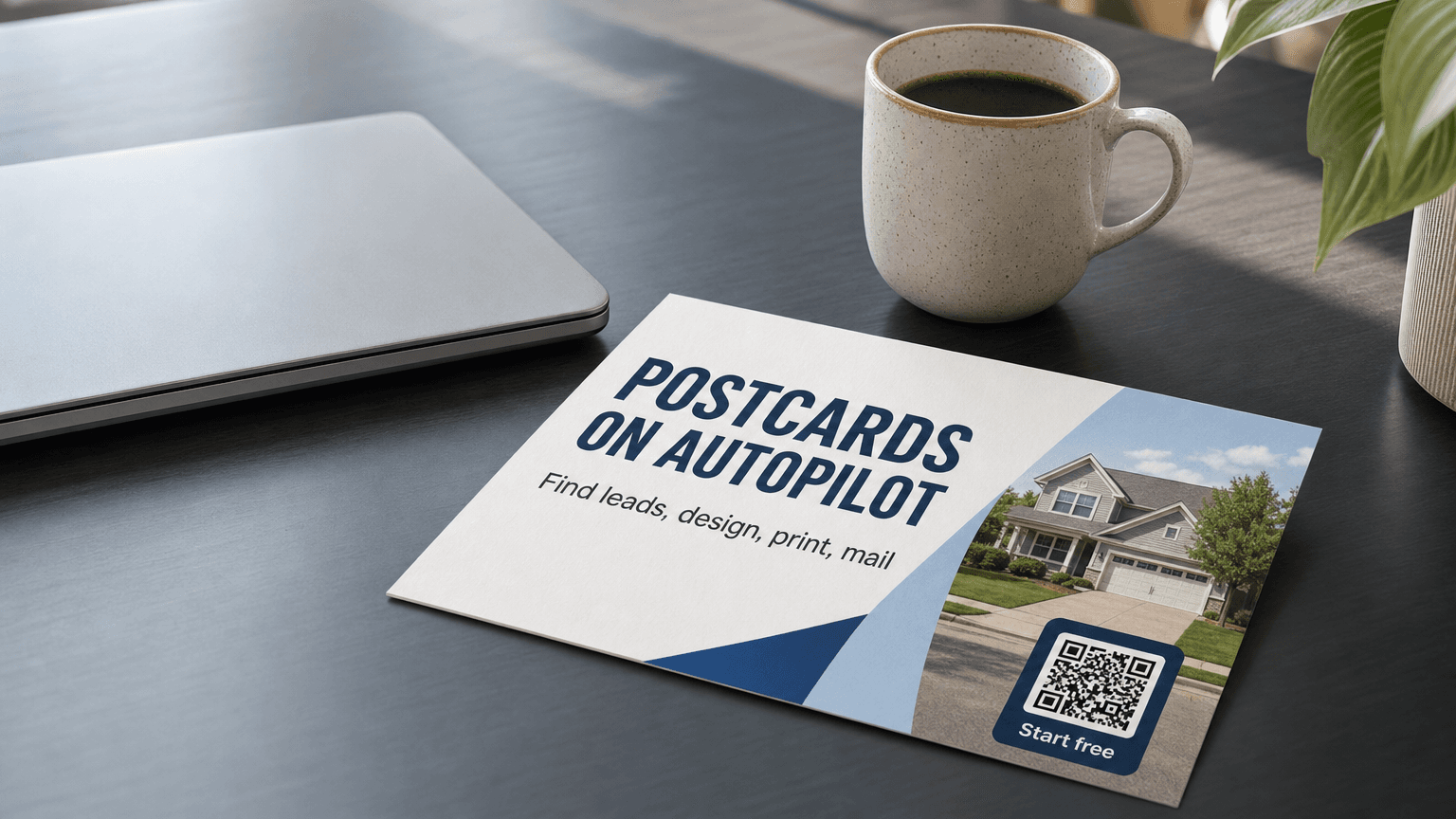
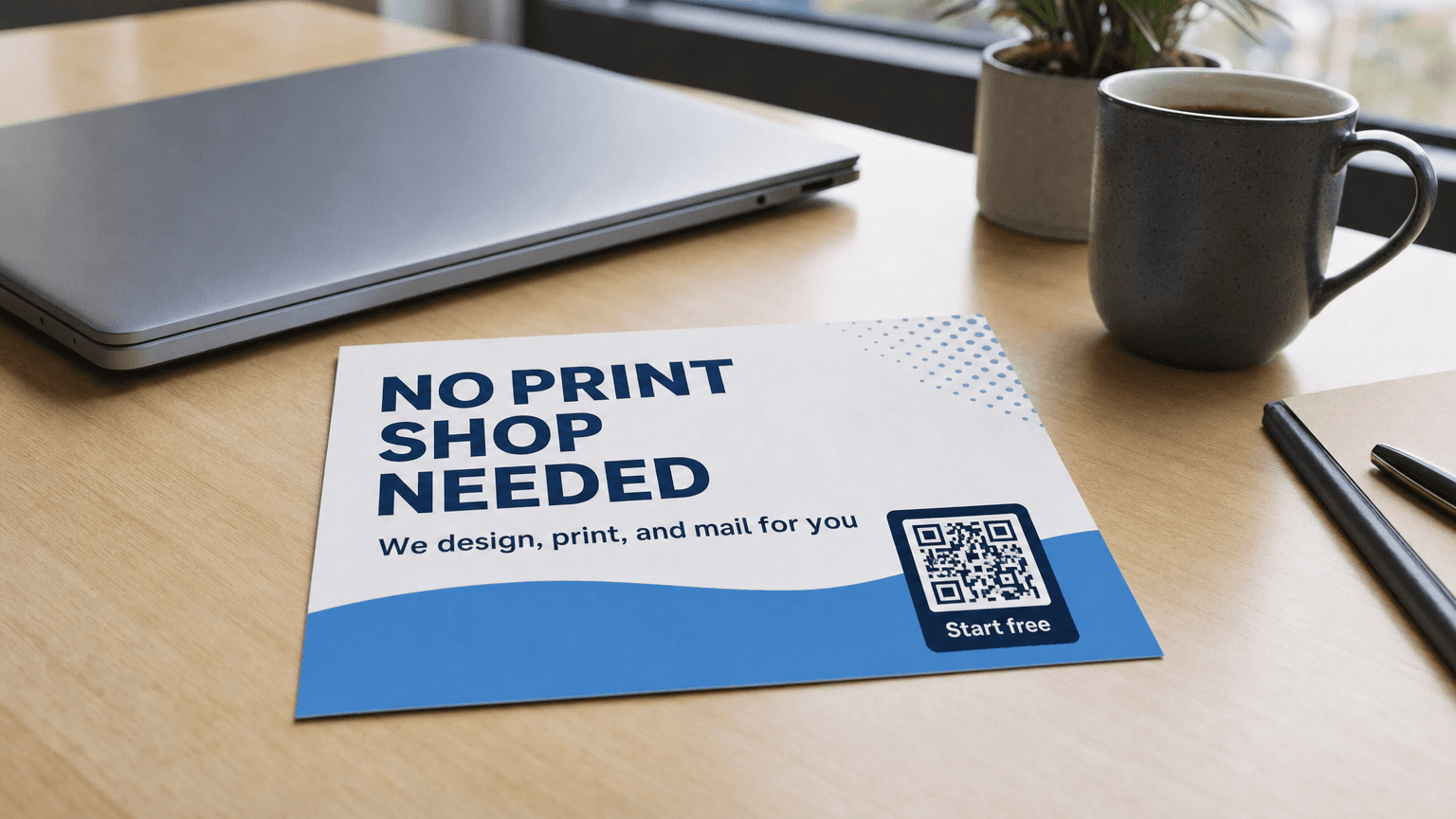
Using the brand elements extracted from your website, the platform generates up to three print-ready postcard designs. Each includes a headline, body copy framed around your service category, and a trackable QR code that connects physical response back to a URL you control.
You see the designs before anything goes to print. This is the approval gate, the one moment where human judgment is required. You can choose the design you prefer, or flag changes before approving.
Step 4: You Approve; the Platform Handles Everything Else
Once you approve, the platform routes the job to print production, applies postage, and hands the run to Canada Post or the applicable postal carrier for delivery. You do not coordinate with a printer. You do not meter postage. You do not schedule a pickup.
The trackable QR code on each piece means you can monitor response after delivery without any additional setup.
Pricing
Pricing scales with volume and is all-in, printing and postage included:
| Volume | Price per piece (CA$) |
|---|---|
| 1 piece | CA$3.31 |
| 5,000+ pieces | CA$1.53 |
A free Starter plan is available with 1,000 build credits and no card required to begin.
What You Still Control
Automation removes the vendor coordination burden. It does not remove your judgment from the decisions that actually determine campaign performance.
Your offer. The platform generates design and copy framed around your service category, but the promotional offer, what you are giving, at what price, with what deadline, is yours to define. A strong, specific offer ("15% off your first service call this month") will always outperform a vague one ("visit us today"), and no platform can make that decision for you.
Your audience definition. You choose whether to target nearby businesses or a neighbourhood household drop, and you define the geographic boundary. The platform builds from those parameters. If your best customers tend to be homeowners within a specific set of postal codes, that knowledge belongs to you.
Your approval. Nothing goes to print without you reviewing and approving the designs. If the AI-generated creative misses the mark, wrong tone, wrong emphasis, or an offer that needs tightening, you catch it at the approval stage.
Your timing. You decide when to launch and how frequently to mail. Lob's 2025 data shows that 88% of high-performing direct mail programs incorporate personalization and timing logic. Automation gives you the speed to act on seasonal windows and local events that would have been impossible to hit with a five-vendor, six-week workflow.
When Done-for-You Makes More Sense
Self-serve automation is the right default for most small businesses. You maintain control, the workflow is fast, and the pricing is accessible from the first piece. But there are scenarios where a consultative done-for-you path delivers more value.
High-volume or complex segmentation. If you are mailing several thousand pieces across multiple audience segments, different offers for different neighbourhoods, or separate campaigns for B2B and residential lists, a done-for-you team can manage the campaign architecture so you are not toggling between setups.
Brand-sensitive categories. Regulated industries or premium-positioning brands sometimes need creative review from a human designer before committing to a run. Done-for-you paths typically include that review layer.
Integrated multi-touch programs. When direct mail is one channel in a coordinated campaign, synchronized with email, digital retargeting, or an in-store event, the sequencing benefit of a managed program often justifies the additional involvement.
For most neighbourhood campaigns, a local service business mailing to nearby households, or a B2B operator reaching businesses in an industrial park, self-serve automated direct mail handles the job without the overhead.
The full landscape of how automation fits into a broader marketing strategy is covered in the hub guide at Automated Direct Mail. If you are evaluating format and cost before starting, Postcard Marketing Cost and How to Send a Postcard walk through the specifics. Industry-specific use cases are at Industries.
Ready to Send Your First Campaign?
Magic Mailer uses AI to design, print, and mail professional postcards for your business in minutes, not weeks.
Try Magic Mailer FreeWant it set up in your CRM for you? book a meeting
Prefer to just describe it? build your whole campaign in one chat
The Shift That Actually Matters
The traditional vendor stack did not only cost money. It cost the kind of small-business agility that makes local marketing work. When a campaign takes six weeks and five vendors to execute, you cannot respond to a slow week, a competitor's promotion, or a neighbourhood event with a timely mail piece.
According to ANA 2023 benchmarks, direct mail to prospect lists still achieves a 2.9% average response rate and a cost-per-acquisition of around US$43, meaningful performance for any local acquisition channel. But hitting those numbers consistently requires the ability to mail consistently, and consistent mailing requires a workflow that fits into a small-business operating rhythm.
Direct mail automation makes that possible by removing the coordination overhead that kept direct mail in the too-complicated category for most small operators. The channel's performance characteristics, physical recall per USPS OIG and Temple University research, strong average response rates, and measurable CPA, were always real. The barrier was the vendor stack.
With that stack gone, the question shifts from whether you can pull this off to what offer you should test first.
Frequently Asked Questions
Do I need a mailing list to run an automated direct mail campaign?+
No. Platforms with smart local targeting build your audience from the parameters you set: target area, radius, and whether you want to reach nearby businesses or residential households. You do not purchase, clean, or upload a list.
How long does an automated direct mail campaign take from start to delivery?+
Setup typically takes under an hour. Print production and postal delivery add days rather than weeks. The traditional five-vendor workflow commonly ran four to six weeks end-to-end; automation compresses that substantially.
What is included in the per-piece price?+
All-in pricing covers printing and postage. There are no separate setup fees, list acquisition costs, or mailing house charges layered on top of the per-piece rate.
Can I target businesses instead of households?+
Yes. Audience targeting can be configured for nearby businesses, useful for B2B service providers, suppliers, or anyone whose customers are other operators, or for residential households in a defined neighbourhood.
How do I measure response to a physical mail piece?+
Each piece includes a trackable QR code that connects physical response to a URL you specify. You can monitor scans after delivery without any additional tracking setup.
When should I choose done-for-you over self-serve?+
Self-serve works well for most neighbourhood campaigns. Done-for-you adds value for high-volume runs with complex segmentation, brand-sensitive categories that benefit from a human creative review, or integrated multi-touch programs where campaign sequencing needs active management.
Sources
- ANA 2023 Response Rate Report, direct mail response rates of 5.3% (house list) and 2.9% (prospect list) and cost-per-acquisition benchmarks of US$19 and US$43 respectively — ana.net
- USPS OIG and Temple University research on physical mail recall and the cognitive advantages of physical media over digital — uspsoig.gov
- Lob 2024 State of Direct Mail, 84% of marketers rate direct mail among their highest-ROI channels — lob.com
- Lob 2025 State of Direct Mail, high performers 32% more likely to use automation; 88% incorporate personalization — lob.com
Ready to Send Your First Campaign?
Magic Mailer uses AI to design, print, and mail professional postcards for your business in minutes, not weeks.
Try Magic Mailer FreeWant it set up in your CRM for you? book a meeting
Prefer to just describe it? build your whole campaign in one chat